Help
Appointments
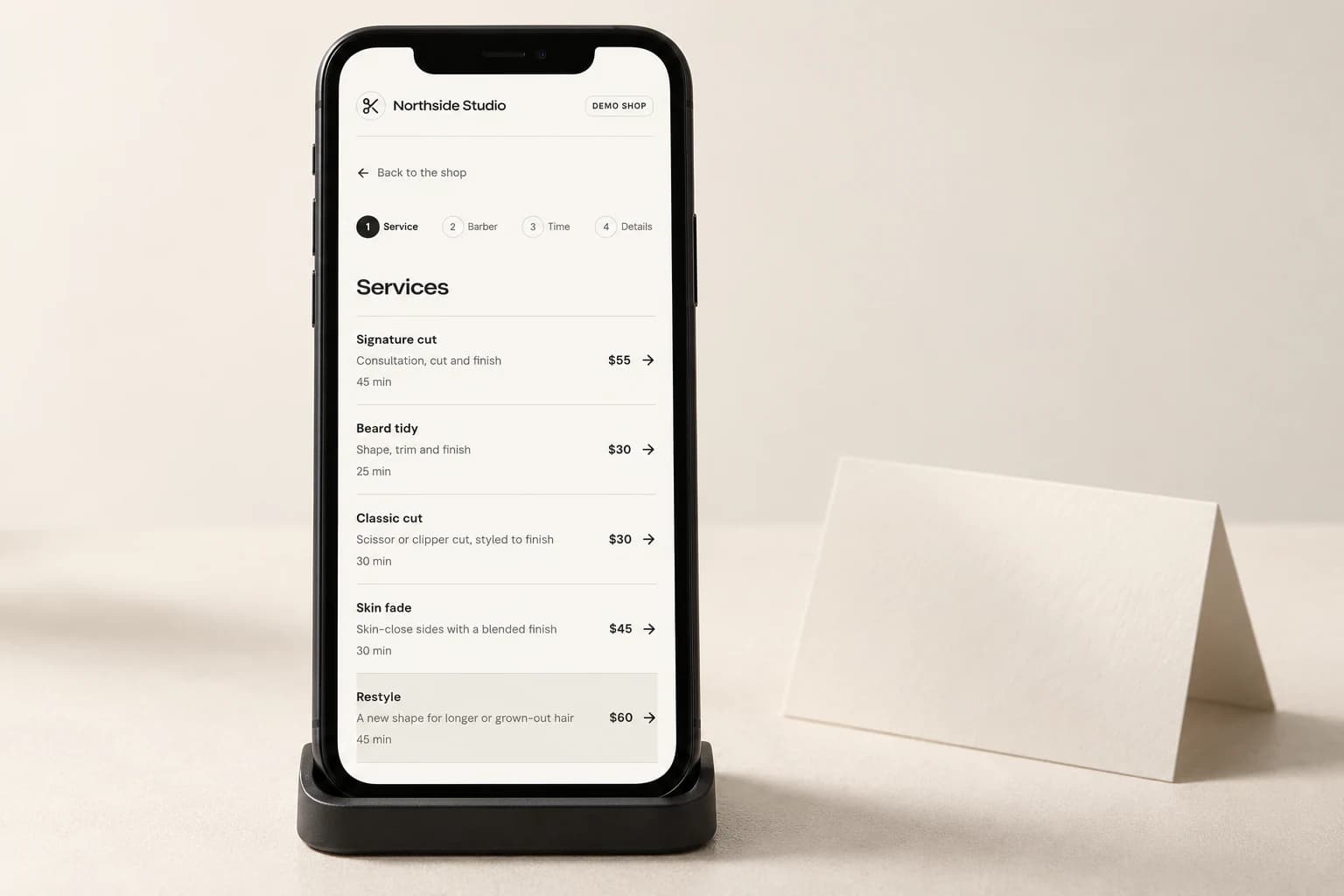
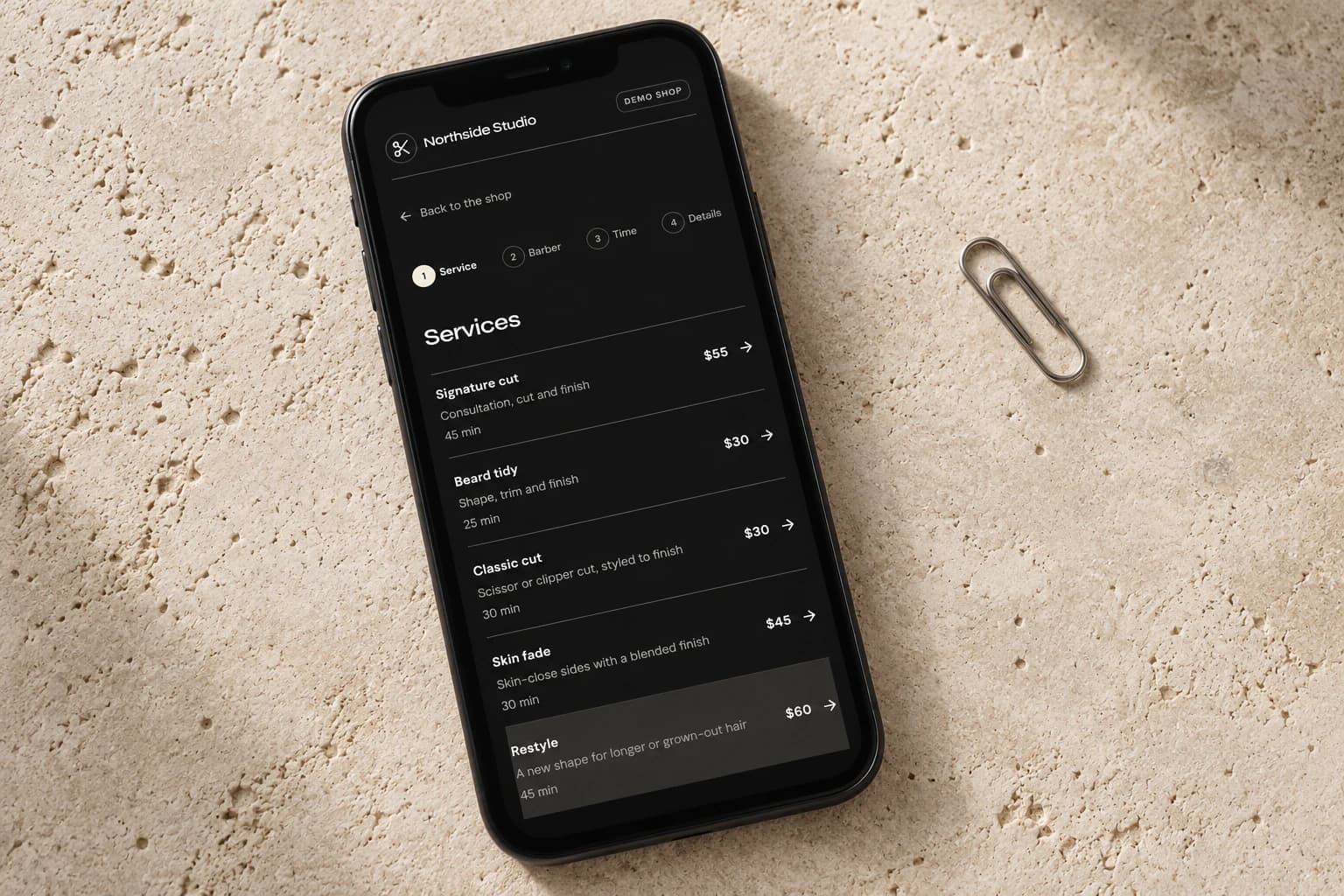
Why is my booking waiting for approval?
Your shop may approve requests manually. Your private booking page shows approval, deposit and confirmation status. Pending means the appointment is not yet confirmed.
Does paying a deposit confirm my appointment?
A required deposit must be verified. Shops using manual approval must also accept your request. Check your private booking page: your appointment is confirmed when both requirements are met.
How do I change or cancel a booking?
Use your private booking link and check the cancellation terms. Time changes may need shop approval; your original appointment stays in place until approval. Contact the shop if your link expires or online changes are unavailable.
Can I add a product or service to my booking?
If your shop has a booking offer available, it appears after confirmation. Check the price and any extra service time before accepting. Products are collected at your appointment. You can keep your original booking without accepting an offer.
When do I receive stamps or referral rewards?
Your shop sets the rules, shown on your client card. Qualifying completed, paid visits earn rewards. Booking alone does not earn a stamp.
Can family members share an email or phone?
Yes. Each person keeps their own appointments. A shared contact does not share marketing permission, credit or private client-card access.
Who handles payment or refund questions?
Contact your shop. Check its policy and your current receipt. Cash and external-card payments are recorded by the shop. Test checkouts are simulated and collect no money.
Are my private booking links safe to share?
Keep them private: anyone with a link may access the booking or client information it permits. Family organiser links cover linked visits, not individual client cards.
Your shop
How do I manage walk-ins?
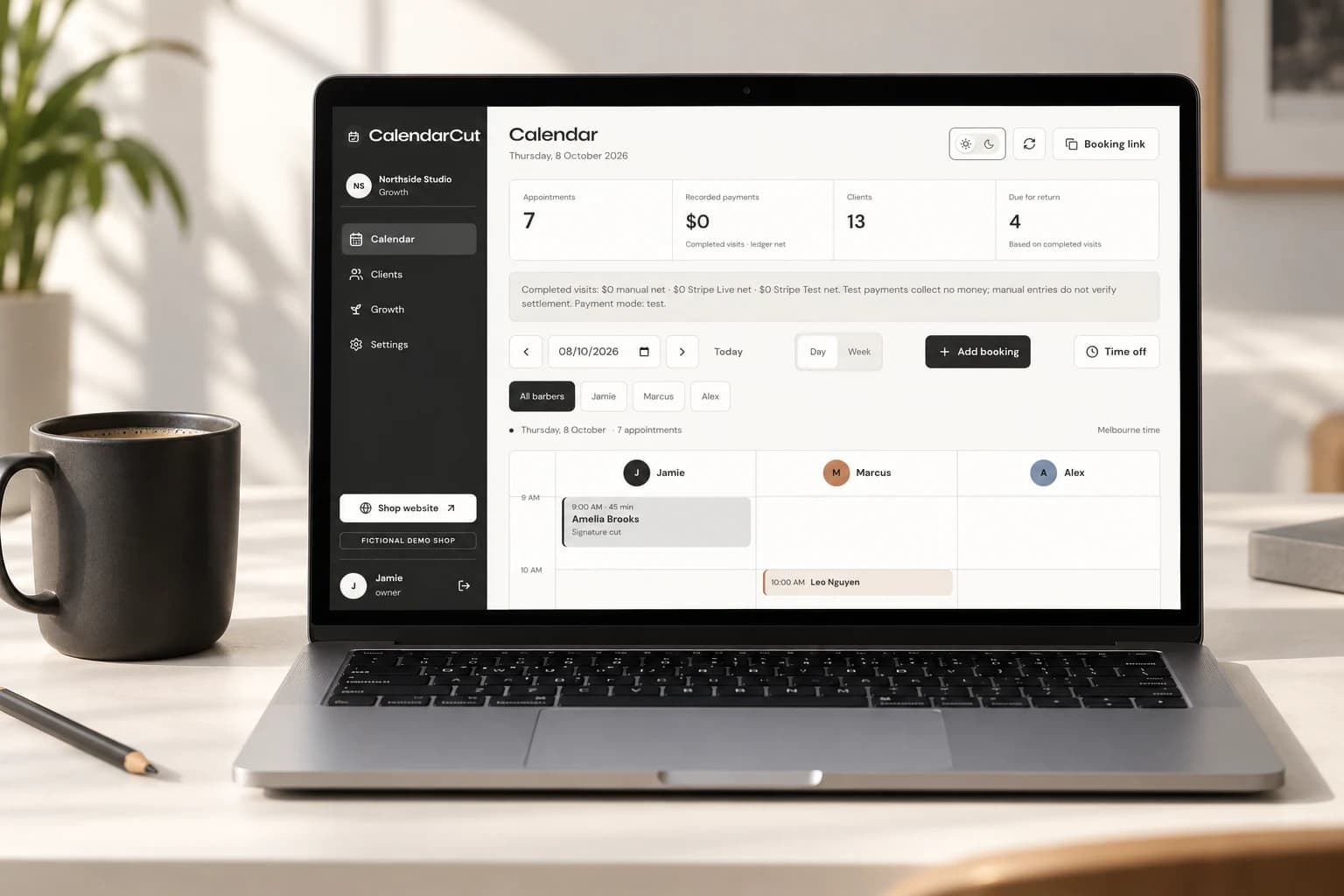
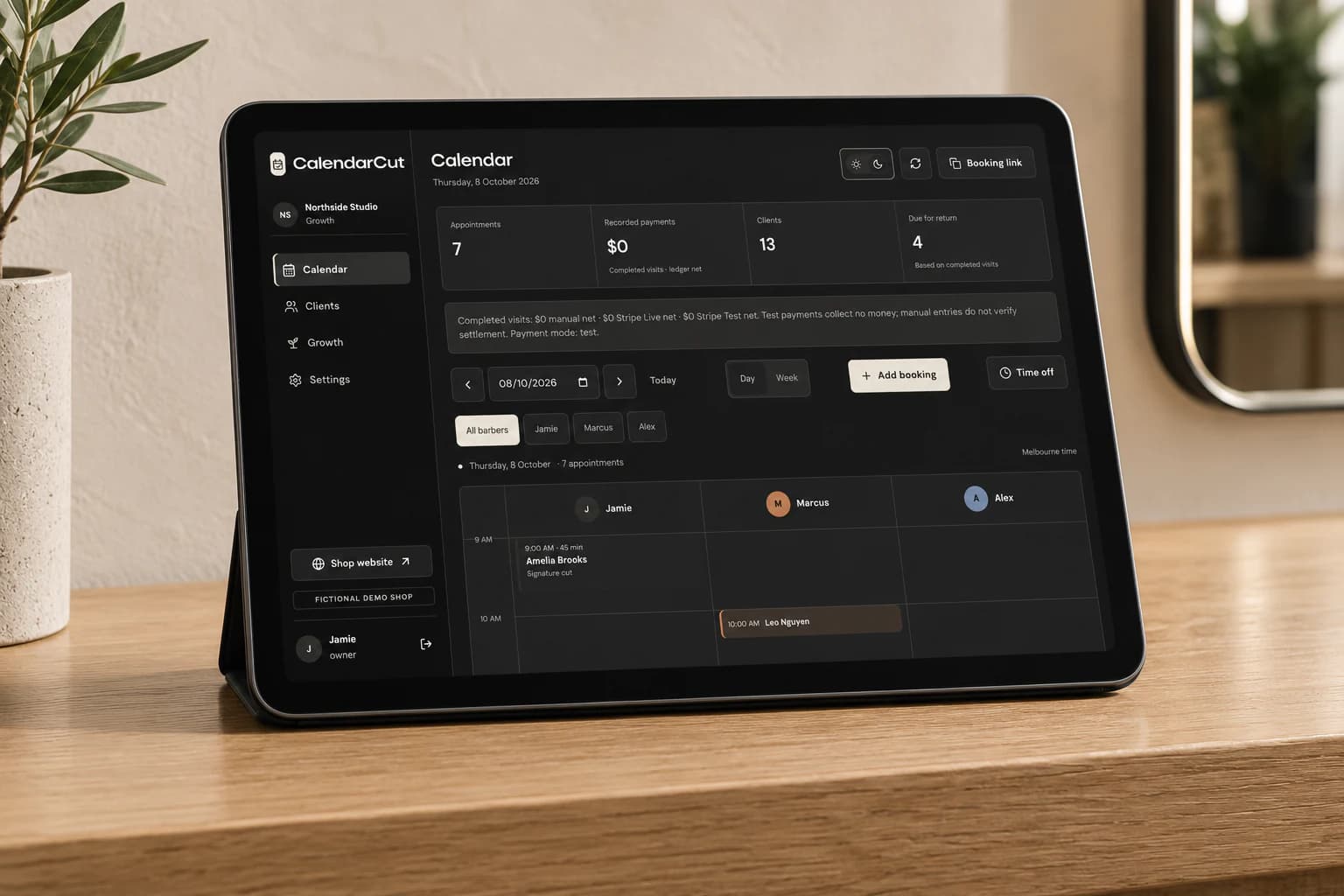
Open Walk-in queue in Calendar and share the Walk-in check-in QR. Clients scan it in the shop and take a number, then explore your Stories and choose whether to join loyalty. Confirm their arrival, choose a service and barber, and call the next number when a chair is ready. Add them to the diary from Manage. The booking QR is separate and opens online booking.
What do I set up first?
Add services, prices, qualified barbers and working hours. Choose automatic or manual approval, then preview your booking page. Settings has the opening checklist.
Can I keep my current website?
Yes. Open Settings → Booking links & QR to copy your booking link or download its booking QR. Add the link to your current website and social profiles. Eligible plans can also connect a custom domain in Settings → Domains.
How do I bring my client list across?
Open Clients → Import. Add your CSV and review the results before saving. Keep existing marketing permissions accurate; importing a contact does not sign them up for offers.
Where do I manage recurring appointments?
Open Calendar and find Book a recurring series below the diary. Set up a series for a client who books ahead and review each visit’s availability before confirming.
Can I fill a cancelled appointment?
Use Clients → Waitlist. Add a client’s preferred service, barber and dates, then offer a suitable opening by email. The time is booked only when the client accepts and availability is confirmed.
Where can I see campaign results?
Open Growth → Campaigns. Review the campaign’s linked bookings and completed visits. Message history shows delivery separately, so a sent message is not counted as a booking.
Where are pending requests?
Open pending requests in Calendar to approve or decline appointments and changes. Switching approval mode does not approve older requests.
How do I reopen a cancelled family or recurring booking?
Use saved group history in Calendar. Past and cancelled visits remain available when new group bookings are disabled. Barbers see their assigned visits; owners and managers can review shop groups.
Do I need every Growth tool?
No. Turn individual tools on or off in Settings. Check audience consent and terms before enabling marketing. Downgrading stops new Growth activity while keeping supported history and existing obligations.
Why are messages labelled preview?
Preview messages have not been delivered. Connect a provider; delivery status changes only after provider confirmation.
Is an SMS credit adjustment a payment?
No. Adjustments and statements record account activity, not payment or prepaid funding. Settings shows SMS segments, rates and spend limits.
What should I do when a save is unconfirmed?
Keep the page open. Use Check saved action where available to retry the same request. Do not create another booking or financial adjustment until you know the result.
Can I use the diary on my phone?
Yes. Open the diary in your browser, or use the home-screen option when available. Expired sessions require a new sign-in.